

No signup required
Start converting without creating an account.
Convert PDF files to clean Markdown or .md files for AI, notes, docs, and RAG workflows. Upload a PDF, preview the Markdown output, then copy or download the result instantly.
Drop your PDF here
Best for digital PDFs with selectable text. Files up to 10MB.
Uploaded for conversion. Automatically deleted after processing.
Start converting without creating an account.
Uploaded PDFs are deleted after the conversion job finishes.
Preview the result, copy Markdown, or download a clean .md file.
Prepare PDF text for ChatGPT, Claude, notes, docs, and RAG pipelines.
PDF to Markdown is a practical way to turn locked PDF content into clean, reusable text for AI tools, notes, documentation, and knowledge bases. Instead of copying messy PDF text by hand, you can extract the readable content, clean up line breaks, and export it as a Markdown or .md file.
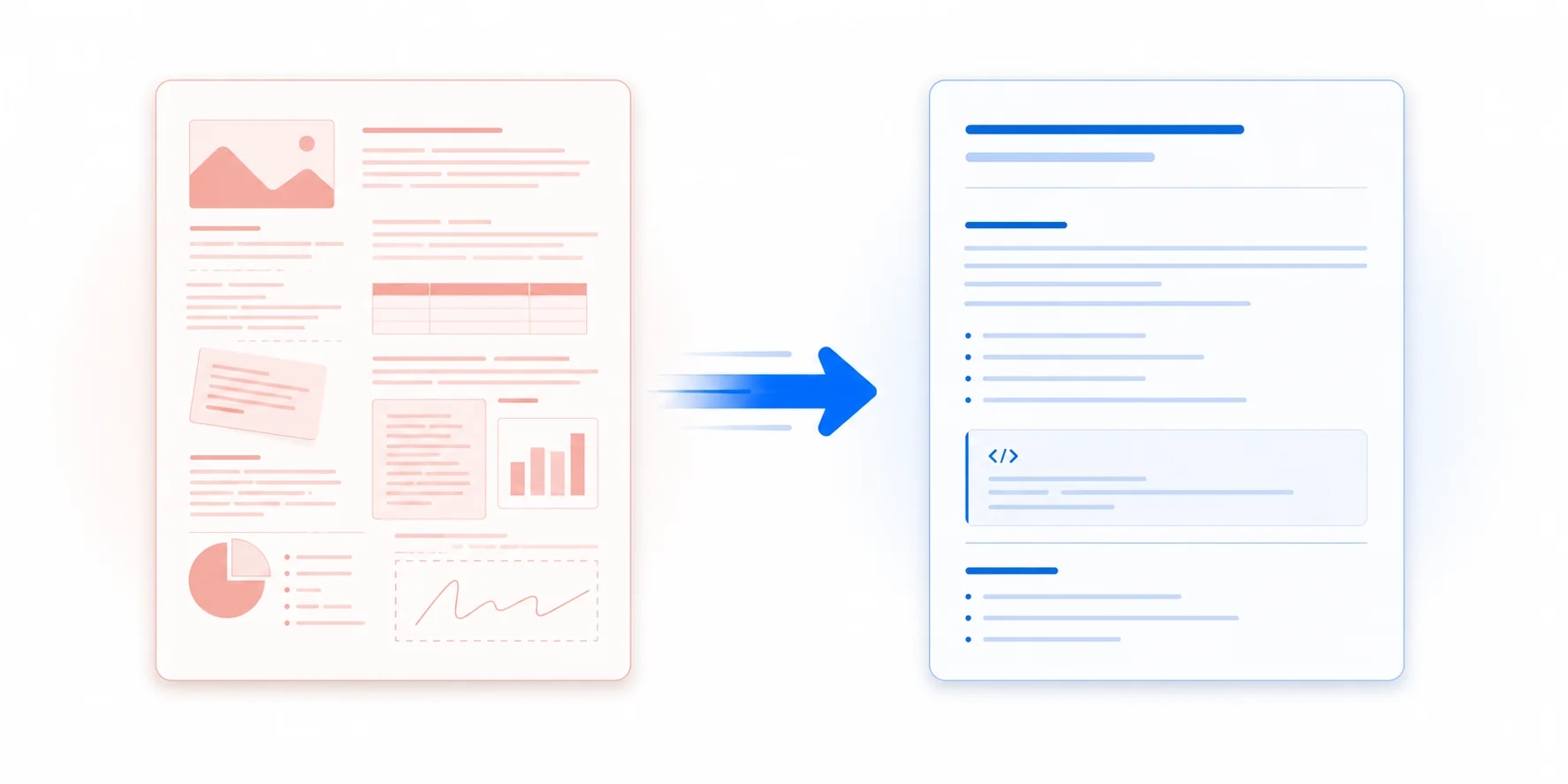
The value is not just changing a file extension. PDF text often comes with broken spacing, repeated headers, page breaks, awkward line wrapping, and content that is hard to edit or send to AI tools.
Use it when you want to summarize a report with ChatGPT or Claude, prepare text for a RAG pipeline, or turn long documents into cleaner AI-readable context.
This converter focuses on that first useful step: upload a digital text PDF, preview the Markdown output, then copy or download a clean .md file for notes, docs, or knowledge bases.
Layout-aware conversion, Markdown review, copy, and .md export in one focused workflow.
Convert PDF text into readable Markdown with paragraphs, page breaks, and simple formatting. The output is designed to be easy to copy, edit, and reuse.
The converter analyzes document layout, text, and tables before producing Markdown. This gives complex PDFs a stronger starting point than plain text extraction.
Review the raw Markdown source and a rendered preview before downloading. This helps you quickly check whether the extracted content is useful.
Copy the Markdown output directly to your clipboard or download it as a .md file for Obsidian, Notion, GitHub, documentation systems, AI tools, or your own editor.
The converter is designed to handle multi-page digital PDFs such as reports, manuals, guides, papers, and long-form documents.
Markdown is easier for AI tools and knowledge systems to parse than messy PDF text. Use the output for summarization, search, or retrieval workflows.
Upload, analyze the document layout, then preview and export the Markdown result.
Choose a PDF up to 10MB from your device or drag it into the upload area. No account or installation is required.
Your PDF is uploaded only for conversion. The converter analyzes the layout, extracts content, and formats the result automatically.
Check the Markdown source and rendered preview. Then copy the Markdown or download it as a .md file for your notes, docs, AI workflow, or knowledge base.
Stop fighting visual layouts. Turn static text into a format designed for modern tools.
Direct copy-pasting from PDFs often brings broken line endings, headers, and footers. Converting to Markdown strips out the layout noise and repairs paragraph flow automatically.
ChatGPT, Claude, and Llama process text structure more efficiently with Markdown. Standardized headings, lists, and tables prevent context confusion and lead to cleaner AI responses.
Markdown is the base format for tools like Obsidian and Notion. Converting your PDFs allows you to index, search, link, and build a cohesive knowledge graph easily.
Turn static PDF text into a format that is easier to search, summarize, edit, and index.
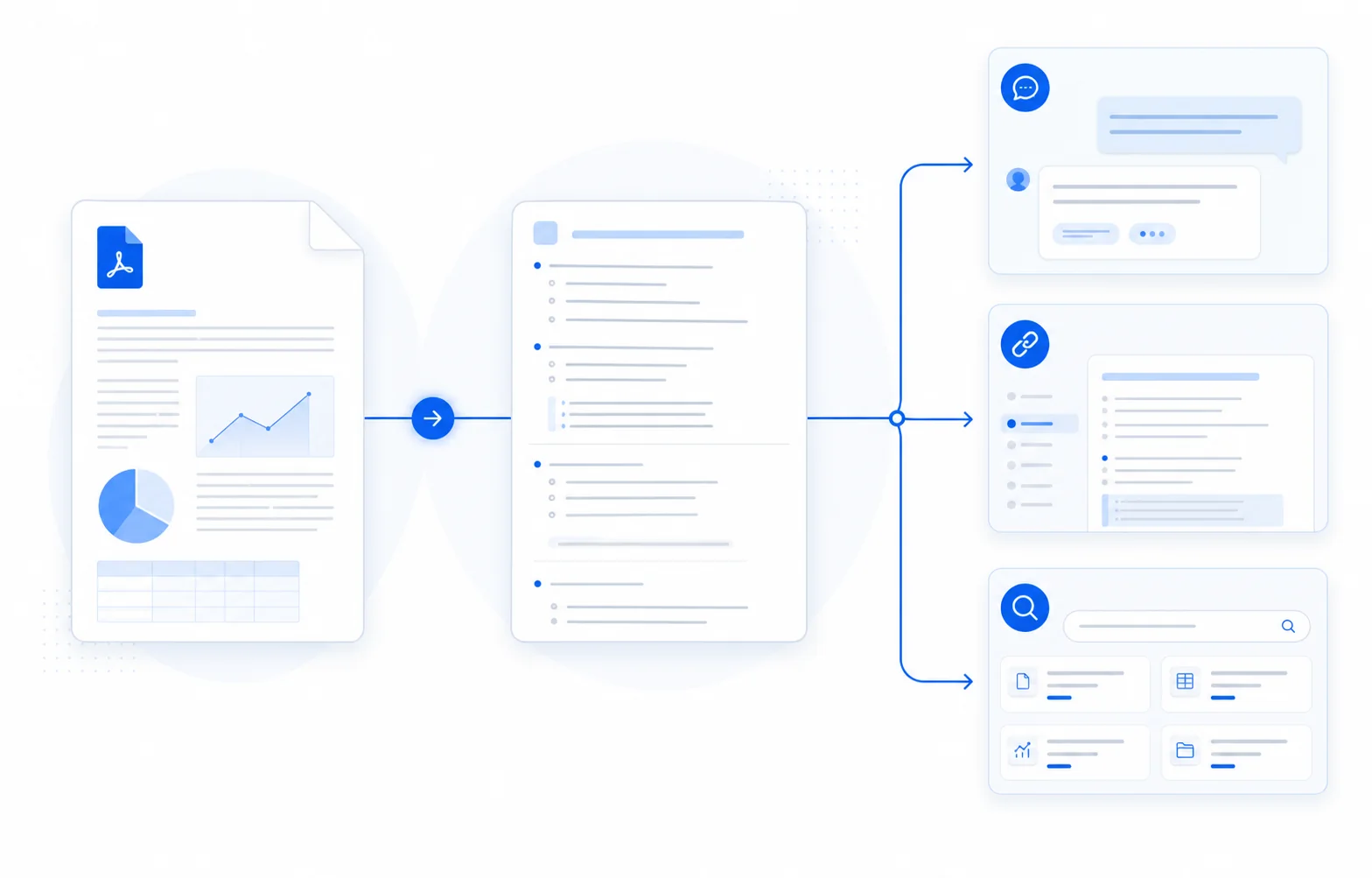
Convert PDF text into an AI-readable format before pasting it into ChatGPT, Claude, or another language model.
Turn PDF documents into Markdown notes that can be edited, searched, linked, and organized.
Prepare PDF content before adding it to a vector database, internal knowledge base, or RAG pipeline.
Extract readable text from academic PDFs so you can summarize papers, review arguments, quote sections, or convert reading material into Markdown notes.
Convert manuals, guides, policy documents, whitepapers, and reports into Markdown-based documentation that can be edited in plain text.
Convert digital and scanned PDFs into structured Markdown with layout-aware extraction, OCR, table recognition, source preview, and .md download.
Preserves useful document structure such as headings, paragraphs, lists, and detected tables.
Recognizes text from scanned and image-based PDF pages when standard text extraction is not enough.
Review both the Markdown source and rendered result before copying or exporting the file.
Use converted content in AI tools, notes, documentation, knowledge bases, and plain-text workflows.
Your PDF is uploaded only to convert it into Markdown. Processing is automatic, and we do not use your documents to train AI models. Uploaded files are deleted after the conversion job finishes.
The Markdown result is returned to you; the source PDF is not retained as document storage.
Yes. You can convert a digital text PDF to Markdown by uploading it to this converter. The tool extracts readable text from the PDF and formats it as Markdown that you can copy or download as a .md file.
A PDF to Markdown converter turns the text inside a PDF file into Markdown, a lightweight plain-text format. This makes the content easier to edit, search, summarize, index, and reuse in notes, documentation, AI tools, or knowledge bases.
Upload your PDF and wait while the conversion service analyzes its layout and formats the content. When conversion is complete, you can preview, copy, or download the Markdown as a .md file.
ChatGPT may help summarize or rewrite PDF content, but PDF extraction quality can vary. Converting a PDF to Markdown first gives you cleaner, more structured text that is easier to review and easier to use with ChatGPT or Claude.
Markdown is plain text with simple structure. It can remove some of the noise that comes from copying PDF text directly, making the content easier for AI tools to read, summarize, and process.
The converter can attempt OCR on scanned or image-based PDFs, but results are best effort. Low-quality scans, handwriting, and complex page layouts may produce incomplete text or require manual cleanup.
Accuracy depends on the PDF. Simple digital text PDFs usually convert well. Complex tables, multi-column papers, forms, formulas, and image-heavy documents may need manual cleanup or future advanced conversion features.
Yes. Your PDF is uploaded only to convert it into Markdown. Processing is automatic, uploaded files are deleted after the conversion job finishes, and we do not use your documents to train AI models.
Yes, the basic PDF to Markdown converter is free to use. You can upload a supported PDF, preview the Markdown output, copy it, and download a .md file without creating an account.